

One of those tools is the web beacon. Most people have never noticed one, yet beacons are widespread across the internet as part of everyday analytics and digital marketing. Understanding them takes no technical background, and that understanding is useful: it lets you make clearer decisions about your privacy and how you prefer to browse. This article explains what a web beacon is, why organizations use them, and how a few practical habits can support a cleaner, more comfortable experience online.
What Is a Web Beacon?
A web beacon, also called a tracking pixel, is a very small graphic or piece of code placed inside a webpage or email. It is usually invisible, often no larger than a single dot, and it is not meant to change how a page looks.
Its main job is measurement. When the page or email loads, the beacon signals back to a server, confirming that the content was viewed or that an email was opened. That single action tells the sender something specific: the message reached its destination and someone engaged with it.
Beacons rarely work alone. They often operate alongside cookies and other analytics tools. A cookie may store information about a returning visitor, while a beacon records that a particular page loaded. Combined, these technologies give organizations a broader picture of how their content performs and how audiences respond to it.
Why Businesses Use Web Beacons
Most organizations use web beacons for practical, legitimate reasons tied to running a website or a campaign.
Common uses include measuring which articles attract the most attention, checking whether a marketing email was opened, and identifying technical problems that affect how a page performs. An online retailer, for example, might rely on aggregated analytics to see which product pages draw the most visitors. That information helps the retailer adjust its layout, improve navigation, and shape a smoother customer experience.
The value for businesses is clear: better data leads to better decisions. At the same time, many people want more say in how their browsing information is collected. That growing interest is one reason browser privacy settings have become a more important part of everyday internet use.
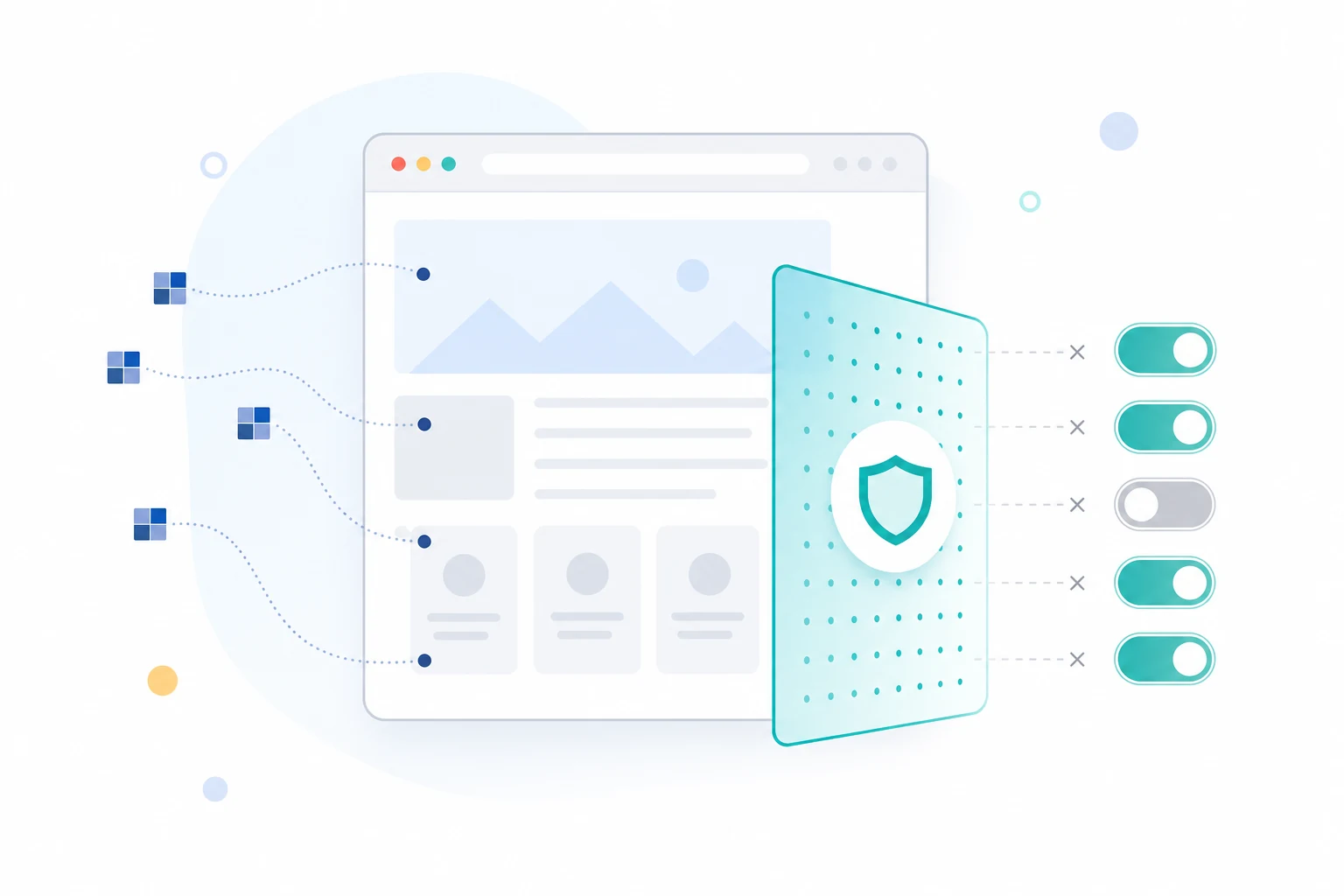
"A cleaner browser makes it easier to focus on the content you came to read."
Practical Ways to Support Your Online Privacy
You do not need to abandon modern websites to gain more control over your data. A few straightforward steps make a measurable difference.
Start with your browser's privacy settings. Most browsers let you manage how cookies and tracking preferences are handled, and reviewing these controls helps you understand what information sites can collect. Within the same menus, you can usually adjust website permissions, notification requests, and stored browsing data, keeping each setting aligned with what you actually want.
Two more habits support the rest. Install browser extensions only from trusted developers, since extensions can access what happens inside your browser. And keep your browser updated so you receive the latest security and privacy improvements as they arrive. With automatic updates enabled, this happens without any effort on your part. Together, these steps contribute to a more informed and comfortable browsing experience.
How the Total Adblock Browser Extension Can Complement Your Privacy Preferences
The habits above address how you configure your browser. They do less about the volume of ads and trackers that many pages load the moment they open. For users who want additional control over that layer, the Total Adblock Browser Extension is one practical option to consider.
It works as an ad blocker and browser extension. Its function is to reduce intrusive ads that interrupt webpages and compete for your attention, leaving content cleaner and easier to read. It may also help block many web trackers, supporting users who prefer greater control over aspects of their online privacy while browsing.
It helps to be clear about what the extension is and is not. Total Adblock is not an antivirus, a malware remover, or a complete cybersecurity solution. It does not replace your browser's built-in protections or the judgment you apply when deciding what to click. Its role is narrower and specific: reducing intrusive advertising and tracker activity so everyday browsing feels lighter and less cluttered. Viewed that way, as one component alongside good habits and your browser's own privacy features rather than a guarantee on its own, is where it fits best.
Better Browsing Begins With Better Understanding
The internet keeps evolving, adding new technologies that improve how sites function while raising fair questions about privacy along the way. Web beacons are a small example of that balance in action: a tiny piece of code with a meaningful role in how content is measured.
Knowing how tools like beacons work changes how you approach the web. You stop treating tracking as something mysterious and start seeing it for what it is, which makes your privacy choices easier to reason through. Pair that understanding with a regular look at your browser settings, careful selection of extensions, and a trusted tool to reduce ad clutter, and you build an experience that is more transparent, more organized, and more comfortable. Pick one change to start with today, and build from there.
